Dell G14 · R740 / R740xd
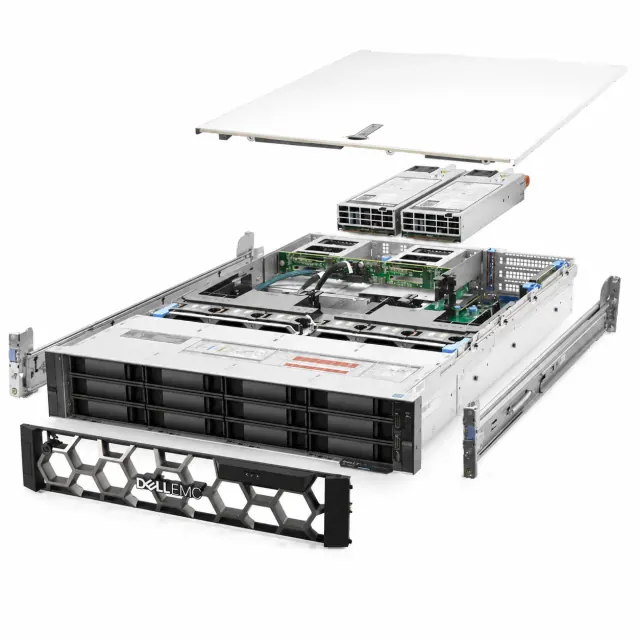
Sulit na kapasidad
Praktikal para sa file services, backup, CCTV at pangkalahatang computing. Iayon ang CPU at mga drive sa workload.
Simula sa
Nilo-load ang presyo…
Chassis lamang · hindi kasama ang 12% VAT

Alamin ang pagbabago sa bawat henerasyon, kung saan bumibilis ang performance, at ang platform na akma sa workload at budget mo.
Dell G14 · R740 / R740xd
Praktikal para sa file services, backup, CCTV at pangkalahatang computing. Iayon ang CPU at mga drive sa workload.
Simula sa
Nilo-load ang presyo…
Chassis lamang · hindi kasama ang 12% VAT
Dell G15 · R750
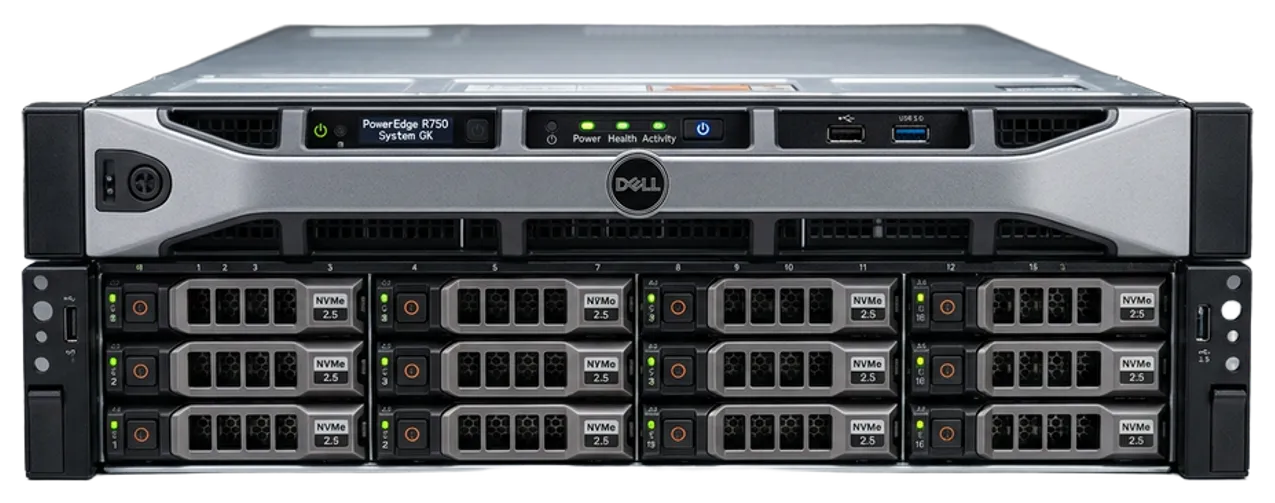
Mas maraming CPU core at memory channel, kasama ang PCIe Gen4. I-configure para sa mabibigat na virtualization at database workload.
Simula sa
Nilo-load ang presyo…
Chassis lamang · hindi kasama ang 12% VAT
Dell G16 · R760
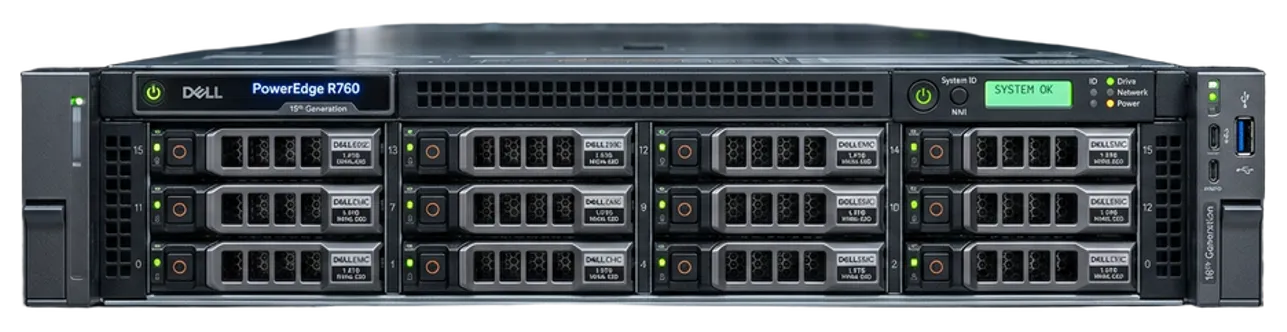
DDR5, mas mataas na core ceiling at PCIe Gen5. Para sa pinakamahahalagang gawain ng negosyo. Mas mataas na performance bawat watt.
Simula sa
Nilo-load ang presyo…
Chassis lamang · hindi kasama ang 12% VAT
Mga detalye ng Dell platform—hindi default configuration o pangako ng kasalukuyang stock.
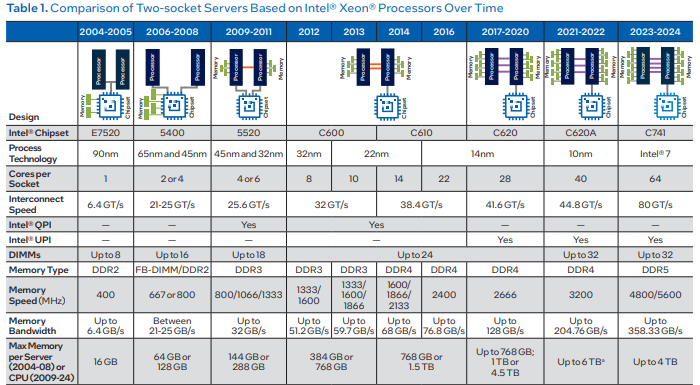
| Detalye | G14 | G15 | G16 |
|---|---|---|---|
| Henerasyon ng Intel Xeon Scalable CPU | 1st / 2nd | 3rd | 4th / 5th |
| Pinakamaraming core bawat CPU | 28 | 40 | 56 (4th) / 64 (5th) |
| Uri ng memory | DDR4 ECC | DDR4 ECC | DDR5 ECC |
| Pinakamataas na memory speed | 2933 MT/s | 3200 MT/s | 4800 (4th) / 5600 (5th) MT/s |
| DIMM slot bawat server / channel bawat CPU | 24 / 6 | 32 / 8 | 32 / 8 |
| PCIe expansion | Gen3 | Gen4 | Gen5 |
| Pamamahala | iDRAC9 | iDRAC9 | iDRAC9 |
Mas maraming trabaho bawat CPU core. Inihahambing ng sinusukat na chip-design simulation ang mga 16-core processor, gamit ang G14 bilang baseline.
G16: 20% mas mabilis kaysa G14
Dobleng transfer capacity sa bawat henerasyon
Paghahambing ng virtual desktop na inilathala ng Dell, na nagpapakita ng bilang ng user na suportado ng bawat configured host.
G15 → G16 · VDI
Login VSI Knowledge Worker test ng Dell: 183 → 220 user bawat host, humigit-kumulang 20.2% dagdag, sa halos 85% average CPU use.
Mas maraming core ang maaaring magdagdag ng parallel capacity. Ihambing ang CPU model, clock speed, aktibong RAM at software licensing bawat core bago mag-consolidate.
Maaaring mas makatulong ang SSD, NVMe at tamang RAID controller kaysa CPU generation lamang sa storage-bound na database. Sukatin ang latency, IOPS at working-set size.
Mahalaga ang DDR5 at Gen5 kung magagamit ng workload ang bandwidth. Itugma ang DIMM, NIC, drive at riser. May GPU capability din ang mas lumang henerasyon, depende sa chassis.
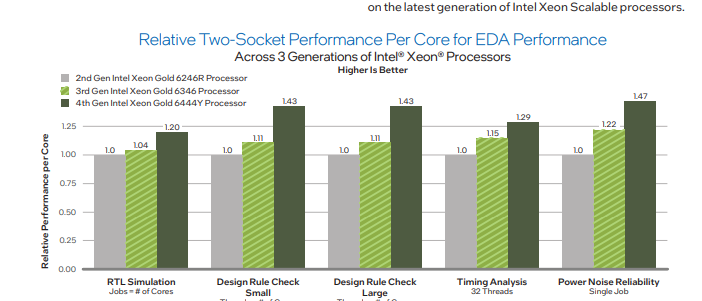
Pindutin ang larawan upang makita sa buong laki.
Pindutin ang larawan upang makita sa buong laki.