
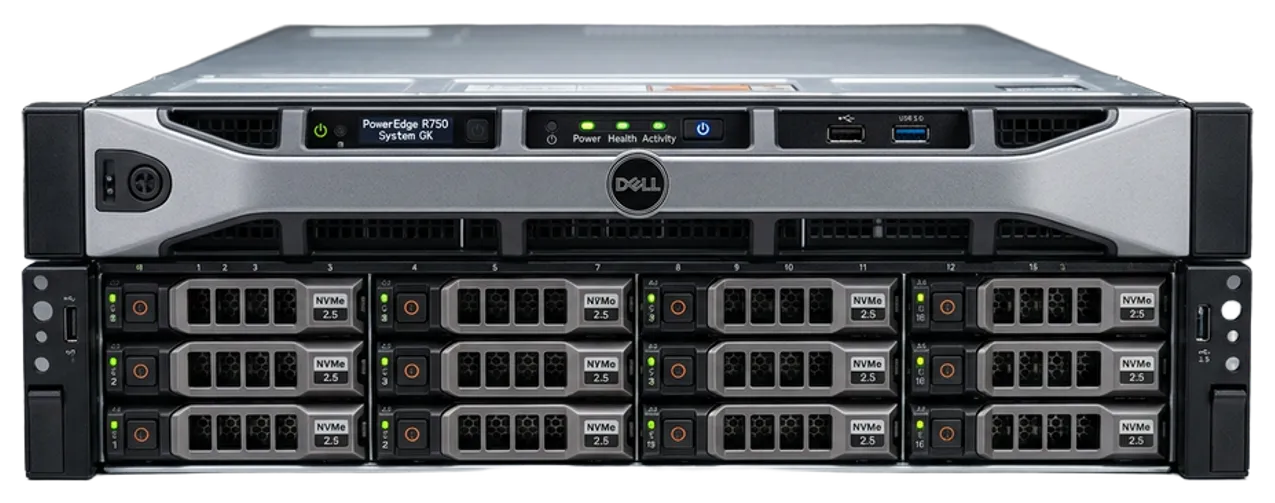
Room for a more ambitious build
The R750 is the more expandable choice alongside the R750xs. More memory slots give you a wider set of ways to reach a target capacity, while supported accelerator configurations make it relevant to inference, visualization and other GPU-assisted applications. Buy for the software you intend to run, not the largest headline specification.
Memory capacity has a module-type condition
Dell’s highest memory figure for this model uses LRDIMMs. Our catalog configuration uses RDIMMs, so the headline maximum and the selectable build limit are not the same. Keeping that distinction visible is more useful than quoting a maximum that the chosen modules cannot reach.
An accelerator is part of a system
An A40-based system needs an appropriate slot, power and cooling arrangement as well as the GPU itself. Check the application’s memory requirements and software support first. A smaller, lower-power card may be the better purchase when the task is inference or video processing rather than large-model training.