
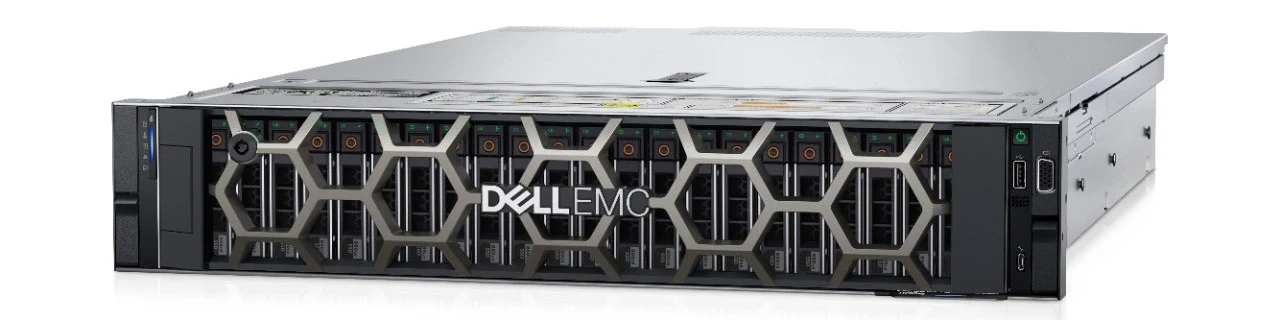
Focused capacity, fewer unused extras
The R750xs targets mainstream compute rather than the widest possible expansion envelope. It is an attractive approach for a virtualization cluster where several sensibly sized nodes are preferable to one heavily expanded machine. The xs suffix matters: this is not a full R750 with a different badge.
Know the memory and GPU boundary
Its 16 DIMM slots and supported 1TB memory ceiling are a different proposition from the R750. Dell does not offer GPU support on the R750xs. If an accelerator or a much larger memory footprint is on the roadmap, choosing the full R750 now avoids a chassis change later.
Mixed storage needs a clear plan
The 24-bay option can combine SAS/SATA bays with a separate NVMe group. Those interfaces do not all use the same RAID path. Use the configurator to separate the boot mirror from data storage, and choose software-managed NVMe deliberately rather than assuming a SAS controller protects every drive.