
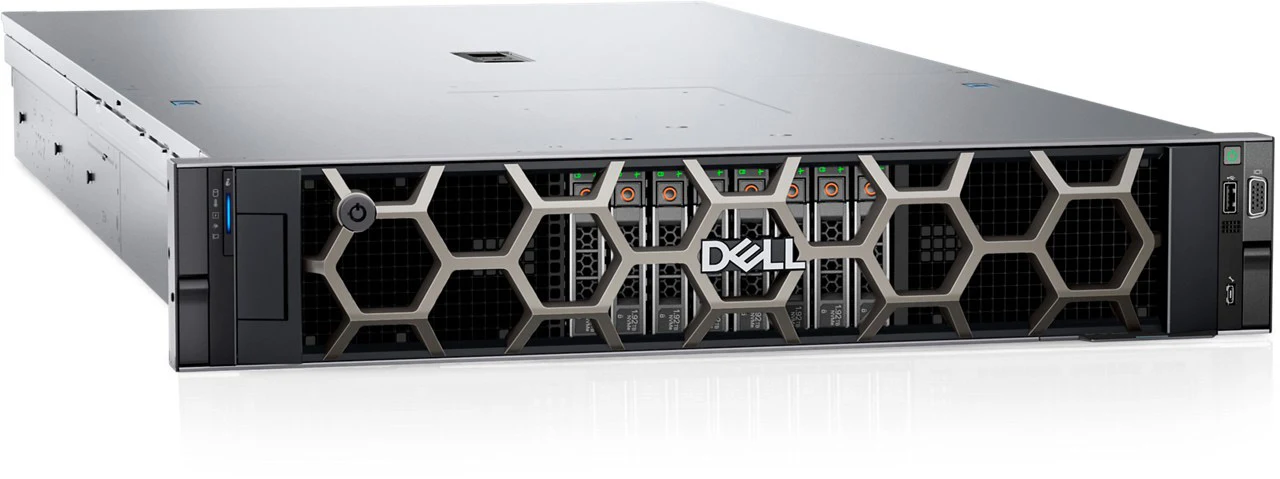
Start with the accelerator workload
The R760xa is organized around GPU expansion. That makes it a different buying decision from a general-purpose compute node. First identify the application, framework and GPU memory needed to hold the working model or dataset. Only then choose the accelerator and supporting CPU, RAM and storage.
Plan the rack as well as the server
A capable GPU chassis still needs suitable site power, airflow and network throughput. Multiple accelerators can change the demands on all three. The fact that a chassis supports several GPUs does not mean every mix of GPU, riser, cooling and PSU is valid.
Spend on the bottleneck
If the application waits on storage or data preparation, another GPU may add little value. Size the data pipeline alongside accelerator memory and compute. Our starting configurations are editable so the final proposal can match the application rather than a fixed bundle.