
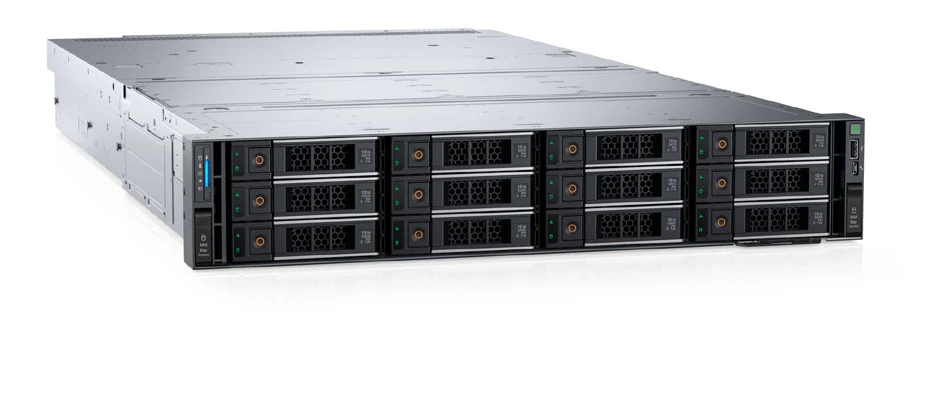
Capacity has its own architecture
The R760xd2 makes dense local storage the priority. Its front and middle drive arrangement uses the depth of a 2U enclosure differently from a general-purpose R760. It is worth considering for backup repositories and capacity-heavy data services where disk count matters more than accelerator expansion.
Large disks make recovery planning important
Compare usable capacity after protection, not the raw total printed on the drives. Large arrays also need a plan for failed-drive replacement, rebuild load and a separate recovery copy. The server purchase and the backup policy should be designed together.
Network speed sets the practical ceiling
A large storage pool is less useful if the network cannot move the required data during the backup window. Size network ports and controller performance alongside disk capacity, and leave room for growth in both data volume and restore demand.