
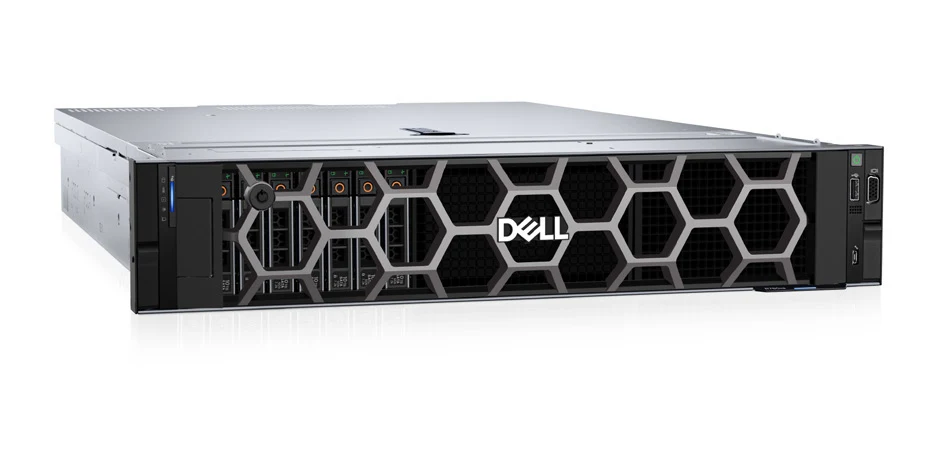
A practical route into DDR5
The R760xs brings a focused compute platform into the DDR5 generation. It suits buyers who can describe their workload clearly and do not need every expansion option available in a full R760. Compare the complete configuration: processor, memory population, storage interface and network bandwidth all influence the result.
The xs trade-off is deliberate
Fewer DIMM slots and a smaller expansion envelope can be sensible when they match the application. GPU support is restricted to approved low-power cards; this is not the platform for an A100 training build. A full R760 or the accelerator-oriented R760xa serves a different expansion requirement.
Choose storage before counting capacity
An 8SFF, 16SFF or mixed 24-bay chassis is not interchangeable after delivery. Check which bays accept SAS/SATA and which accept NVMe. Then compare usable capacity, resilience and performance together; the fastest drive interface is not automatically the best value for a lightly loaded application.