
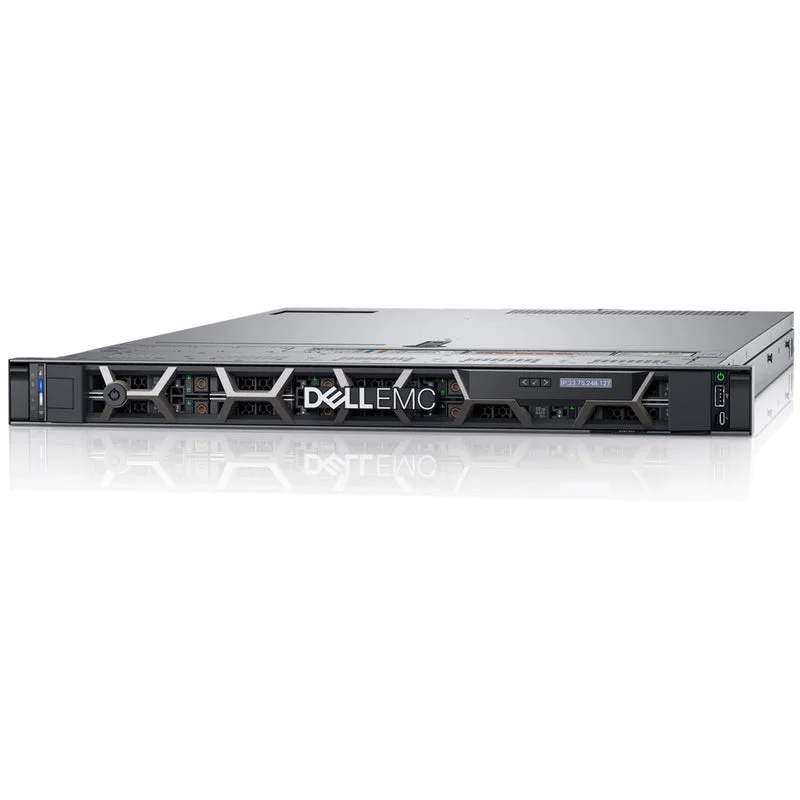
More compute in less rack space
The R640 is the compact member of this family. Its 1U enclosure makes sense when rack space is expensive and the job is mainly running applications, virtual machines or a database. Start with the working set of your applications: enough memory to avoid paging can matter more than buying the highest core count.
Choose the drive layout before the drives
Our R640 starting chassis has eight 2.5-inch SAS/SATA bays. That is a different physical machine from a 2U R740, even when they share processor and memory families. Other R640 backplanes exist, so NVMe capability should never be assumed from the model name alone.
Where to spend the budget
For a virtualization node, balance RAM, network throughput and SSD endurance. For a licensed database, compare software cost per core before adding processors. Choose an R740 instead when the expansion plan needs more room for cards or local storage.