
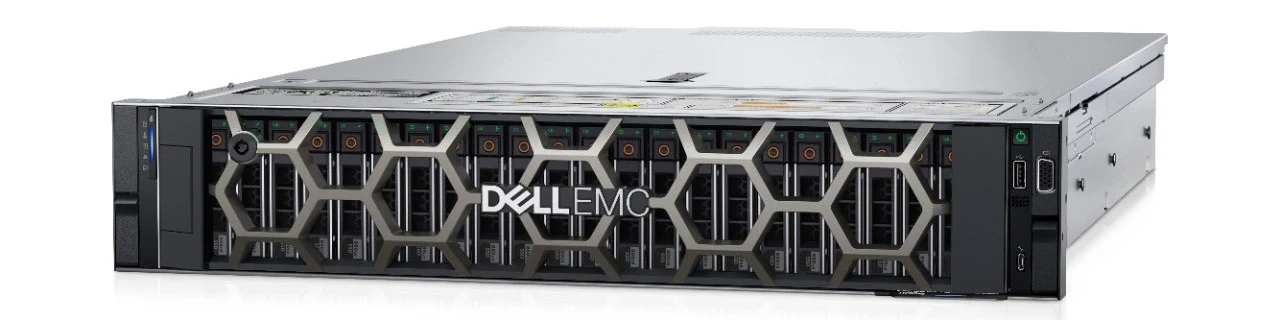
The flexible 2U choice
The R740 is useful when a server needs to do more than host disks. Its larger enclosure gives an expansion plan more room than the 1U R640. Think about what will occupy those slots: faster networking, an accelerator, or a storage adapter. Those choices should shape the chassis and riser selection early.
R740 or R740xd?
Choose the R740 when expansion and general compute lead the requirement. Compare the R740xd when a larger local disk estate is the priority. Our 16SFF R740 starting point uses 2.5-inch SAS/SATA drives; it does not become an NVMe system just because an NVMe drive is added to a shopping list.
Build for the application
A good configuration leaves room for the next upgrade without paying for capacity that will sit idle. Discuss memory growth, network ports and power redundancy alongside the processor. The configurator limits parts to the selected platform, while the final build still needs the appropriate Dell risers and cooling.